
Soniyal logo Soniyal
Home Pricing Blog Help Center Contact

Dynamic Wishing: design personalised posters and PDFs

Design a poster once and generate a personalised image or PDF for every recipient.

Design & files 2 min read Updated:
Dynamic Wishing: design personalised posters and PDFs

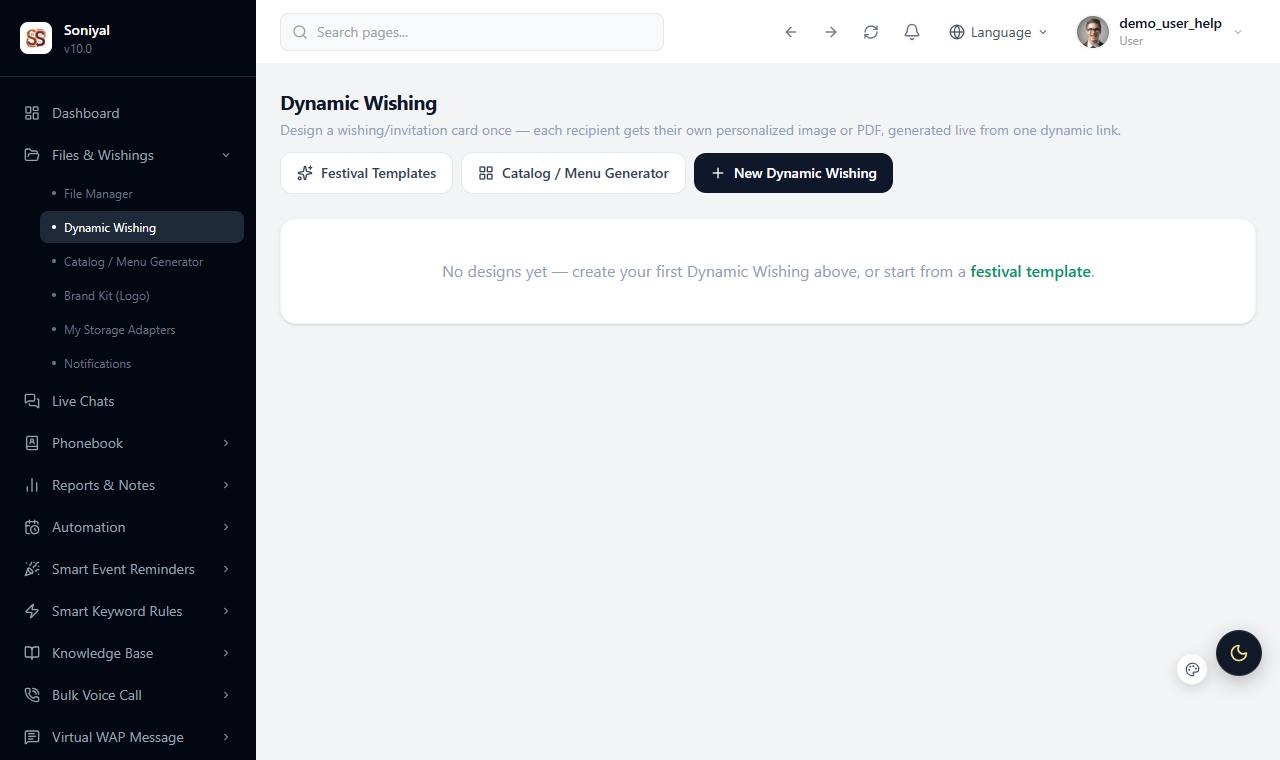
Dynamic Wishing is a design editor in your browser. You place text, images, shapes and emoji on a canvas and mark some of them as dynamic — name, date, anything — so each person receives their own version through a link or a scheduled message.

When to use it

Festival greetings, birthday cards, invitations, certificates and offers with the customer’s name on them.

Example

A festival poster with “Happy Diwali, {name}!” is generated separately for each of 500 customers and sent on the festival morning.

Pro tips

  • Use Brand Kit to keep your logo and colours consistent.
  • Undo / Redo and keyboard shortcuts speed up editing.
  • Transparent PNG export works for stickers and logos.

Step by step

  1. Open Dynamic Wishing

    Go to Files & Wishings → Dynamic Wishing and press Create, or start from a Template.

  2. Pick a canvas

    Upload a background, choose a ready size (Instagram, WhatsApp status, A4…) or start with a blank canvas.

  3. Add elements

    Add text, images, shapes, emoji and drawings; style them and arrange the layers.

  4. Make text dynamic

    Use tags like {name} so each recipient’s name appears on the design.

  5. Save and share

    Save to your library, export to File Manager or copy the Dynamic Link to use in a Scheduled Message.

  6. Send

    Use the dynamic image or dynamic PDF type in Scheduled Messages or campaigns.

Frequently asked questions

Can I invite someone to edit my design?

Yes, create a share-for-editing link with an optional password and expiry.

Will emoji show in images?

Yes, emoji are rendered as images in the editor and in the final file.

Ready to try it yourself?

Create a free account and connect your first WhatsApp number in minutes.

Start free