Download free tools and buy premium software and add-ons made for your account.
Grow & earn2 min readUpdated:
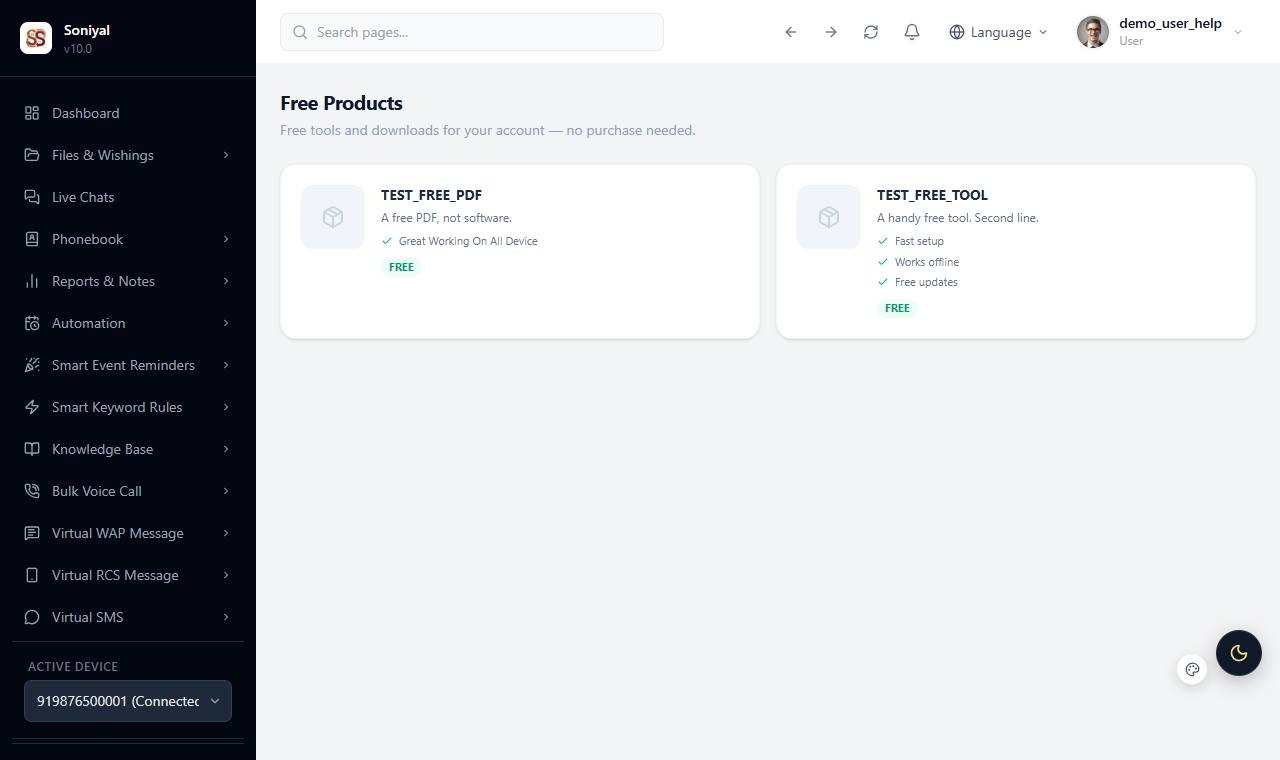
Free Products lists tools you can download at no cost. Premium Products are paid downloads; after you buy, they appear in My Purchases with their files and licence details.
When to use it
When you need an extra tool such as a desktop sender, WordPress plugin or bridge app.
Example
A reseller buys the premium WordPress plugin from her wallet, copies the licence key from My Purchases and downloads the file.
Pro tips
Keep licence keys safe.
Use the search box and the type chips when the list is long.
Check the product page before buying - it lists every feature.
Step by step
Open Free Products
Click Free Products in the left menu. Search, filter by type (Software, PDF, Video), sort, and switch between grid and list view - then press Download.
Open Premium Products
Browse paid items; every card shows the price, what is included and whether a licence key comes with it. Open a card for the full page.
Buy
Press Buy from Wallet: a window shows the price, your balance and the balance after - confirm and it is yours instantly. Some products ask for a few details first on their own page.
Download
Open My Purchases to download again at any time and to copy your licence key.
Top up if needed
When the balance is too low the button says so and links to your wallet.
Frequently asked questions
Can I re-download?
Yes, any time from My Purchases.
Is support included?
The product page states what support is included.
Why can I not press Buy?
Your wallet balance is lower than the price - use "Add funds to your wallet" on the card.