Opt-out ka samman apne-aap karein: keyword wala unsubscribe, blocklist aur export hone wali unsubscribed list.
Contacts1 min me padheinUpdate:
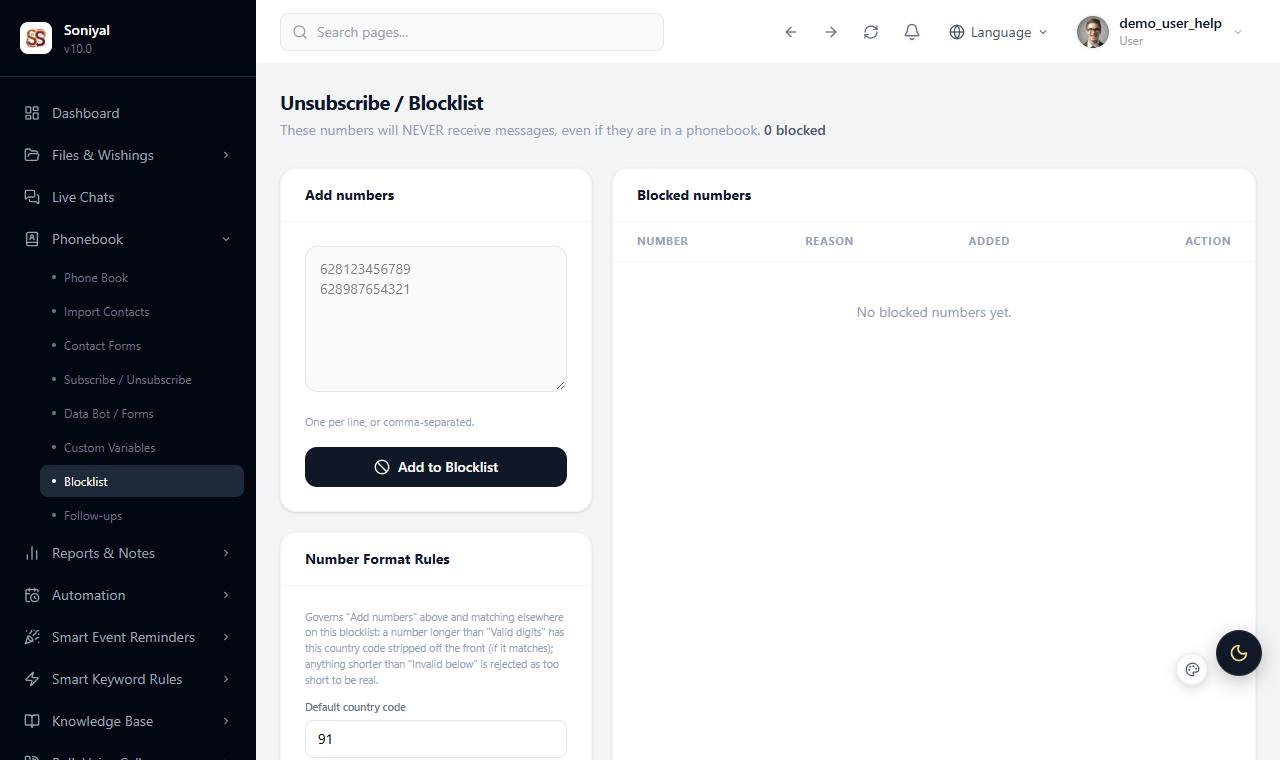
Jo customers aapke messages nahi chahte unhe messages milna band ho jana chahiye. Subscribe / Unsubscribe me log keyword (jaise STOP) bhejkar opt-in ya opt-out kar sakte hain, aur Blocklist chune hue numbers ko auto reply aur welcome messages se door rakhti hai.
Kab use karein
Hamesha — ye aapke number ko complaints se bachata hai aur rules ke anukool rakhta hai.
Example
Ek customer aapke offer ka reply STOP deta hai. Wo unsubscribed list me chala jata hai aur aapka agla campaign use apne-aap chhod deta hai.
Kaam ki tips
Bulk messages ke ant me “opt-out ke liye STOP likhein” jodein.
Numbers har format (country code ke saath ya bina) me milaye jate hain.
Step by step
Subscribe / Unsubscribe kholein
Phonebook → Subscribe / Unsubscribe par jayein.
Keywords set karein
STOP ya UNSUBSCRIBE jaise words (aur dobara judne ke liye START) aur bheja jane wala reply jodein.
Unsubscribed list dekhein
Unsubscribe list kholkar dekhein kisne opt-out kiya; use CSV ya Excel me export karein.
Blocklist use karein
Phonebook → Blocklist me wo numbers jodein jinhe kabhi automatic reply nahi jana chahiye.
Chalu karein
Blocklist ke switches (welcome message, auto reply) chalu karein taaki unka samman ho.
Aksar poochhe jaane wale sawaal
Kya unsubscribed vyakti wapas aa sakta hai?
Haan, jab wo aapka subscribe keyword bheje.
Kya blocklist mere haath se bheje replies rokti hai?
Nahi, ye sirf automatic reply aur welcome chhodti hai.