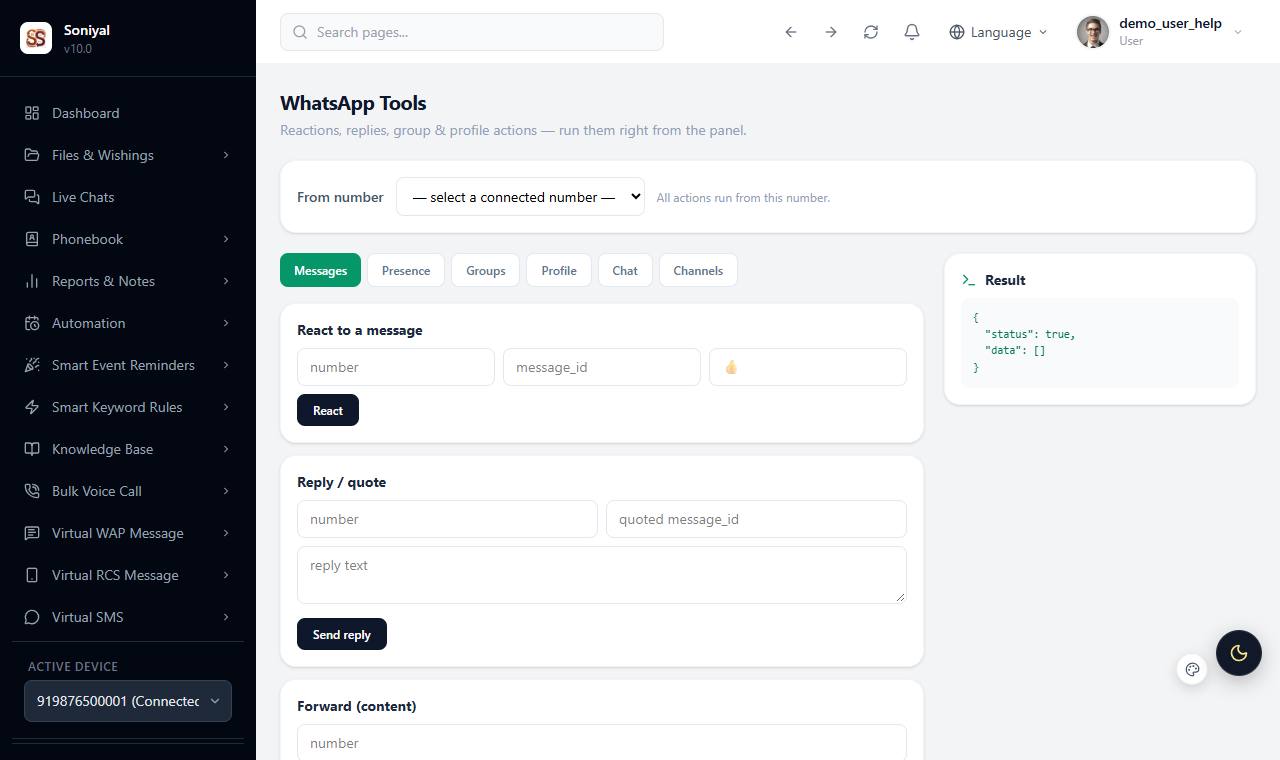
Manage your WhatsApp Business catalogue, export labels and work with Channels from one page.
Business tools1 min readUpdated:
WA Tools collects utilities for WhatsApp Business numbers: the product catalogue, labels with their contacts, and WhatsApp Channels. Business features need the connected number to be on WhatsApp Business.
When to use it
When you run a business account and want catalogue or label data inside the dashboard.
Example
A pharmacy exports everyone labelled “Regular” and imports them to a phonebook for a monthly reminder.
Pro tips
Labels are an easy way to segment — set them inside WhatsApp Business first.
Export before major changes as a backup.
Step by step
Select a Business number
Choose a connected WhatsApp Business number as the active device.
Open WA Tools
Go to Manage WhatsApp → WA Tools.
Business Catalogue
Open it to view and manage your products.
WA Labels Export
Open it to export contacts by label, for example “New customer”.
Channels
Use the Channels tools to follow, post or read channels where available.
Frequently asked questions
Why is Business Catalogue missing?
It needs an account permission and a number that is on WhatsApp Business.
Can I edit the catalogue here?
Where the page offers editing, yes; otherwise use the WhatsApp Business app.