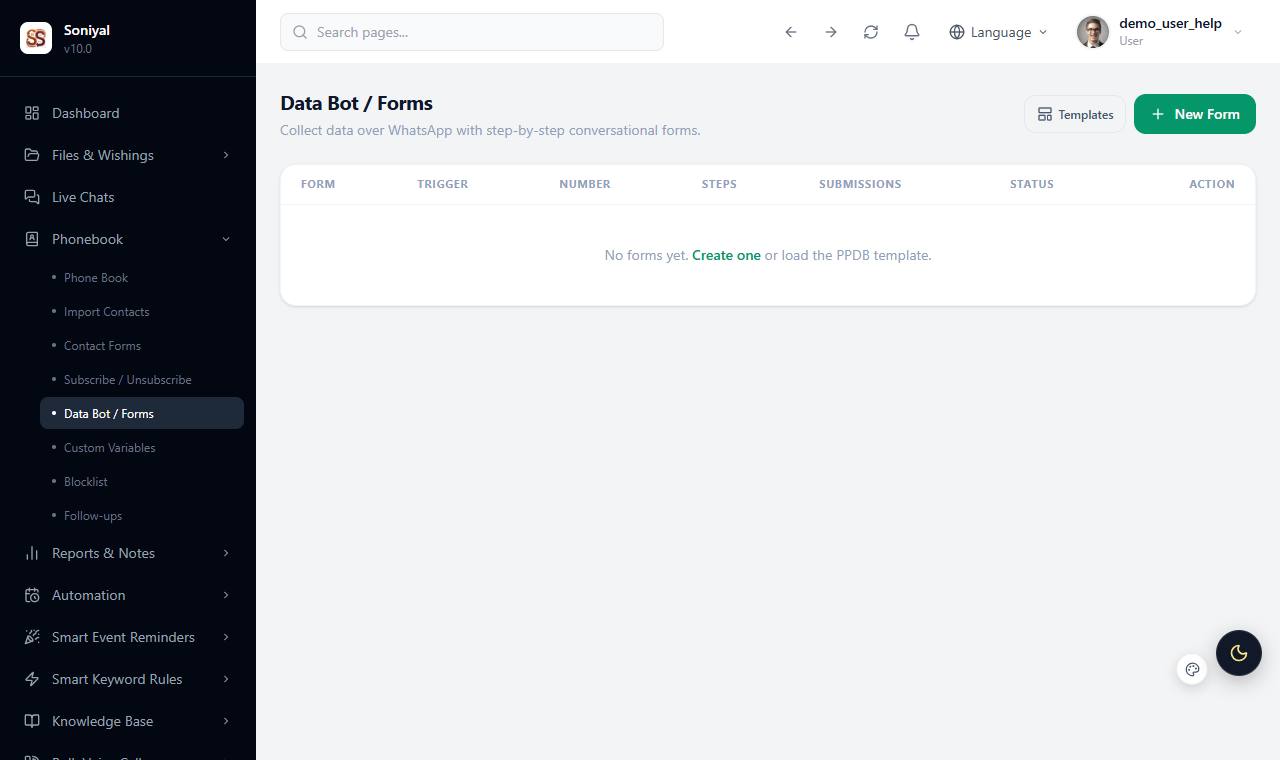
Data Bot / Forms ask questions step by step, and Confirmation / Review bots verify and request reviews.
Automation1 min readUpdated:
A bot is a small conversation. A Form (Data Bot) asks questions one after another and saves the answers; the Contact Confirmation Bot checks contact details; the Review Bot asks for ratings.
When to use it
Order forms, enquiries, registrations, feedback and review collection.
Example
A restaurant form asks Name → Number of guests → Date → Time and confirms the table booking.
Pro tips
Keep it under six questions.
Offer a way to cancel the conversation.
Step by step
Open Data Bot / Forms
Go to Phonebook → Data Bot / Forms and press Create (or start from a template).
Add steps
Write each question and the type of answer you expect.
Choose where answers go
Save into a phonebook or export submissions.
Set the trigger
Choose the keyword that starts the conversation.
Use confirmation and review bots
Open Contact Confirmation Bot or Review Bot to verify contacts or ask for reviews after service.
Review submissions
Open the form to read and export answers.
Frequently asked questions
Where do I see the answers?
Open the form and view its submissions.
Can a bot give choices?
Yes, steps can offer options such as polls or buttons.