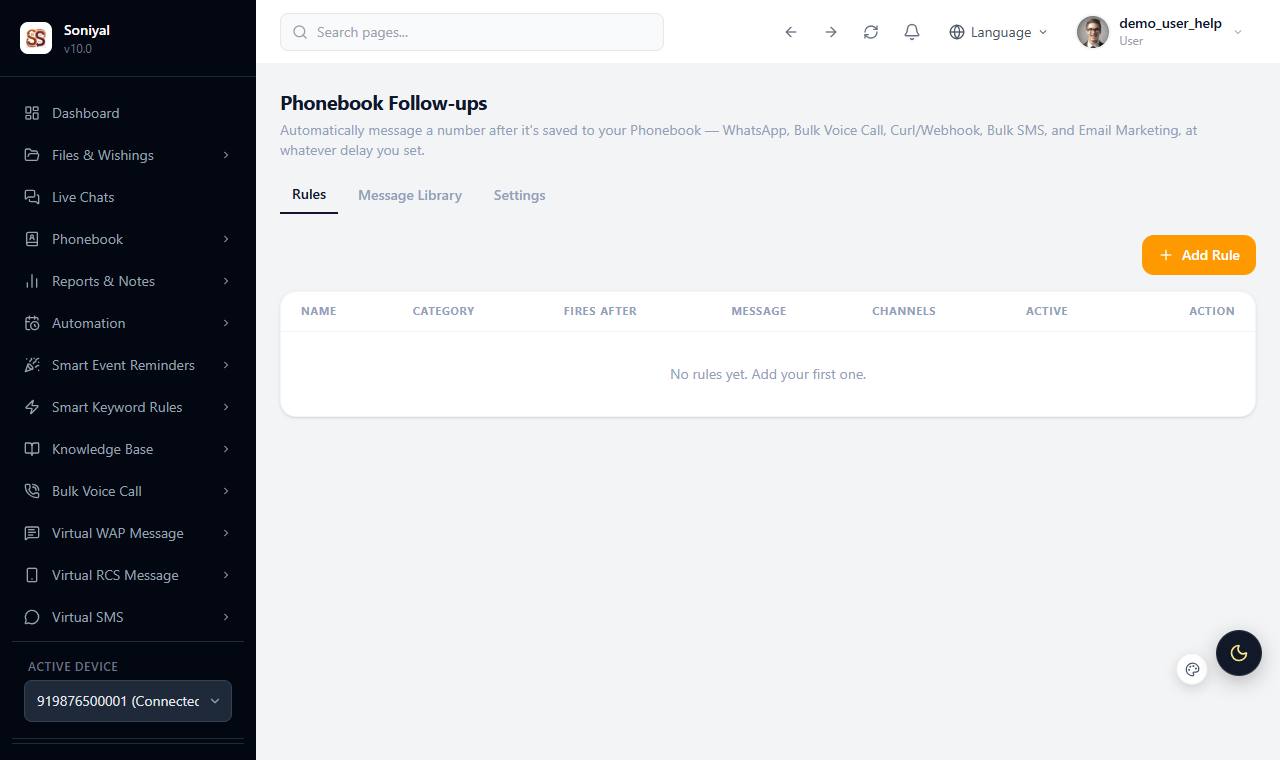
Follow-ups: automatic messages after a contact is saved
Set up a drip of messages that goes out on its own after a new contact joins.
Contacts1 min readUpdated:
A follow-up is a planned series: “thank you” after 5 minutes, “here is our catalogue” after a day, “any questions?” after a week. You set it once and every new contact goes through it.
When to use it
New leads, new customers, trial users — anyone who should hear from you several times over days.
Example
Day 0 “Welcome!”, Day 2 “Here are our top products”, Day 7 “10% off for you”.
Pro tips
Keep the first message immediate and friendly.
Stop the series for people who reply — handle them in Live Chats.
Step by step
Open Follow-ups
Go to Phonebook → Follow-ups (available when enabled for your account).
Create a rule
Choose the phonebook that triggers it.
Add messages
Add each message with the delay after which it should go.
Choose the channel
WhatsApp, SMS, voice and other channels can be used where available.
Activate
Switch the rule on and watch the schedule fill as contacts arrive.
Frequently asked questions
Do old contacts get it?
Rules apply to contacts saved after you activate them unless you choose otherwise.