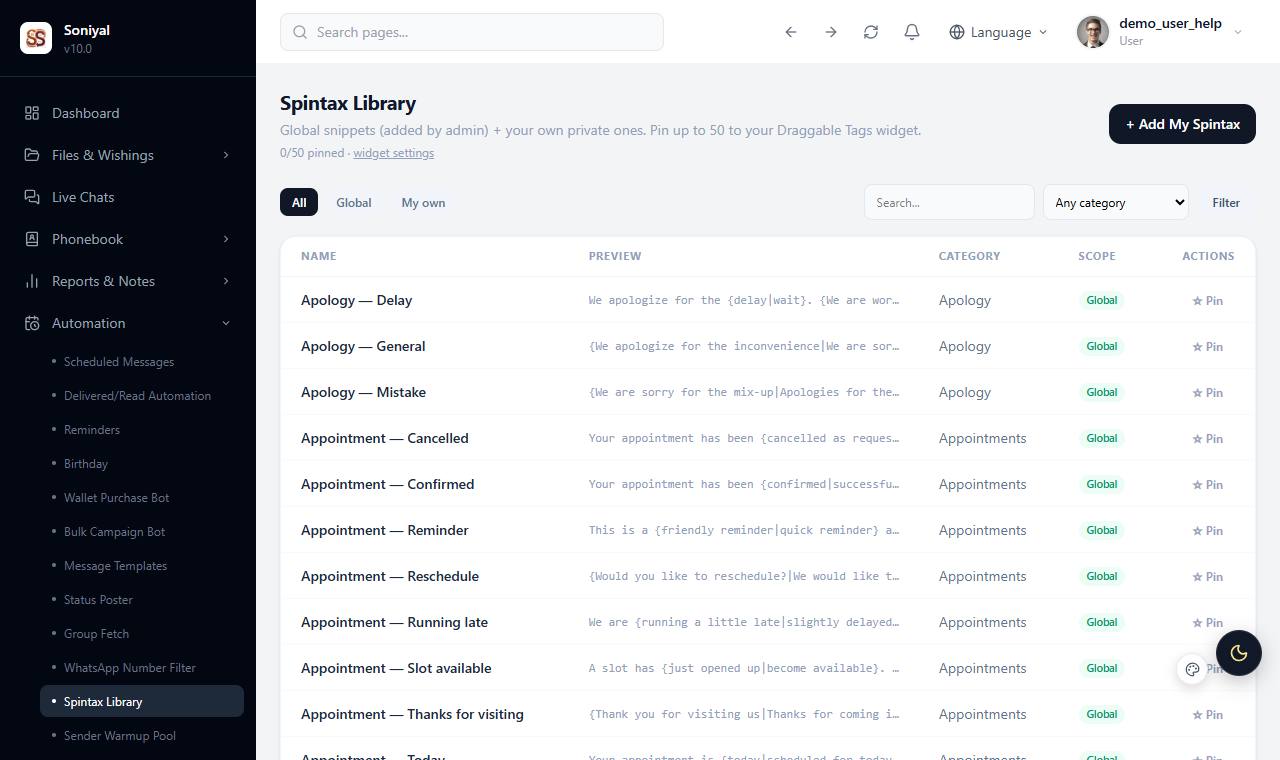
Write a message once with alternatives in curly braces and let the system pick one at random for every send.
Send messages1 min readUpdated:
Spintax is a tiny syntax: put alternatives inside braces separated by a bar, like {Hello|Hi|Hey}. Each time a message is sent one option is chosen, which keeps your campaigns from looking identical.
When to use it
Any bulk sending — campaigns, scheduled messages, status posts — to look natural and reduce the chance of being flagged.
Example
“{Hello|Hi|Namaste} {name}, {our new collection is here|new arrivals are in store}!” gives six different messages.
Pro tips
Keep each alternative short and natural.
Do not nest too deeply; two levels are plenty.
Step by step
Open the library
Go to Automation → Spintax Library.
Create an entry
Give it a name and write the alternatives, for example {Hello|Hi|Hey} {name}.
Save it
Your library keeps every entry for quick reuse.
Insert in a message
Use the draggable Spintax tags widget on supported pages, or paste the braces directly into your message.
Preview
Send a test a few times to see different versions.
Frequently asked questions
Can I use spintax with tags like {name}?
Yes, they work together in the same message.
Is it allowed on all pages?
It works wherever the message is processed by the sending engine; use the widget to see supported pages.